

What are they and how can we manage them?
It’s super important to keep our digital lives safe and sound. Human beings are constantly bombarded with messages, and it’s easy to feel overwhelmed. But don’t worry; we’ve got some straightforward tips to help us navigate this tricky terrain together.
The Golden Rule: Just Ignore It!
Seriously, this is your superpower. The best way to deal with all those annoying spam messages and sneaky scam attempts is to simply ignore, ignore, ignore! Think of it like this: if you click on a dodgy link, reply to a weird email, or even just open a suspicious message, you’re basically waving a flag that says, “Hey, I’m here!” And trust us, you don’t want to encourage those folks. By consistently ignoring and deleting these messages, you’re telling scammers, “Nope, not interested!” and cutting down your chances of getting caught in their web.
How to Spot a Sneaky Spam or Scam
Alright, so how do you tell the good guys from the bad? Here are some classic red flags to look out for:
- Urgency and Pressure Tactics: Ever get a message that screams, “Act now!” or “Your account will be suspended if you don’t click here in the next 5 minutes!”? That’s a huge warning sign. Scammers love to create panic, so you don’t have time to think straight. They might even threaten legal action or shutting down your accounts. Don’t fall for it! Legitimate companies give you reasonable time to respond.
- Too Good to Be True Offers: Did you suddenly win a lottery you never entered? Get an unexpected inheritance from a long-lost relative? Or see an investment opportunity that promises insane returns with zero risk? If it sounds too good to be true, it almost always is.
- Grammar Gaffes and Spelling Mistakes: Take a close look at the message. Is the grammar a bit off? Are there a bunch of typos? Professional organisations usually have their ducks in a row when it comes to communication. Bad spelling is a dead giveaway that something’s fishy. Scammers often deliberately employ bad spelling and grammar to filter out more astute individuals, ensuring they only engage with less discerning targets who are more likely to fall for their schemes.
- Asking for Private Stuff: If someone’s asking for your passwords, PINs, banking details, or those one-time verification codes (OTPs) via text, email, or a call you didn’t expect, hit the brakes! Legitimate companies will rarely, if ever, ask for this sensitive info this way.
- Unexpected Hellos: Did you get a message or call from someone you don’t know, with no prior interaction? Be wary. Scammers often just send out random messages hoping someone will bite. This includes getting a second or third social media friend request or LinkedIn connections from complete strangers that have absolutely nothing to do with your business or industry.
Email Red Flags

Our inboxes are a common hunting ground for scammers. Here’s what to watch out for:
- Dodgy Sender Address: Look at the email address, not just the name. Does it look off? For example, is it “paypal@gmail.com” instead of “service@paypal.com”? Or maybe a tiny misspelling like “micr0s0ft.com” instead of “microsoft.com”? (Be aware that the ‘o’s in the first instance are actually zeroes, which can be hard to see with some fonts). These little details matter.
- Generic Greetings: If an email starts with “Dear Valued Customer” instead of using your actual name, that’s a red flag. Real companies usually know your name.
- Sketchy Links and Attachments: Hover your mouse over any links before you click on them (on a mobile device, you can usually long-press to see the full URL). Does the displayed link go where it says it will? And be super careful with attachments, especially if they’re weird file types like .zip or .exe, or from someone you don’t know. Also, if a link takes you to a login page, double-check that it starts with https:// and looks exactly like the real deal. Legitimate companies rarely send you attachments you weren’t expecting.
- Surprise Invoices: Ever get an email with an invoice for something you didn’t buy, with a link to “cancel” the order? That’s a classic phishing trick!
Social Media & Messaging App No-Go’s
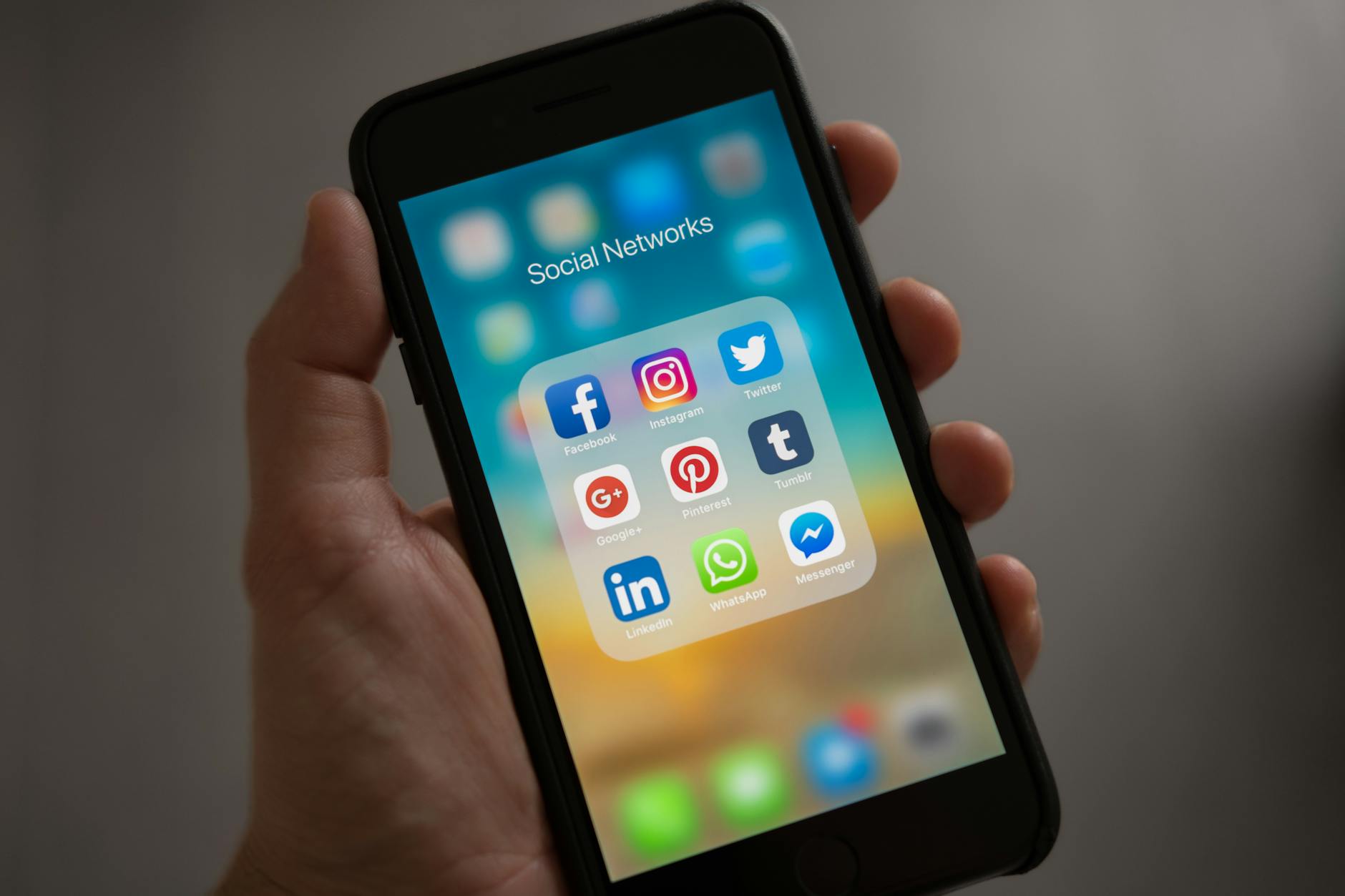
Our favourite social apps can be hot spots for scams too.
Facebook and other Social Media Red Flags
- Weird Friend Requests/Followers: Someone with hardly any friends, a generic profile picture, or an account that was just created? Probably not someone you want to connect with. Be particularly wary of romance scams, where fake profiles spend time building fake relationships before asking for money.”
- “Friends” Asking for Money: If a friend messages you out of the blue asking for emergency funds or gift cards, stop! Their account might have been hacked. Always, always call them or message them on another platform to confirm before doing anything. Scammers often target older relatives or ask for specific payment methods like gift cards, wire transfers, or cryptocurrency – legitimate emergencies rarely require these payment methods.
- Clickbait Central: Posts with headlines that are just too outrageous or shocking to be true often lead to nasty websites.
- Links to Outside Sites: Be cautious of posts that promise exclusive content or freebies but make you click a suspicious link that asks for your personal information.
- “Tag a Friend” Scams: These often try to get you to tag a bunch of people to win something, but it’s usually just a way to spread spam or phishing links.
SMS (Text Message) and WhatsApp Warning Signs
- Links in Unexpected Messages: Any text from a number you don’t recognise that includes a link is a big no-no. They’re often “smishing” attempts trying to get you to click.
- OTP/PIN Requests: Your bank will never ask you to share a one-time passcode or PIN over text or call. Keep those secret!
- Random Notifications: Messages about package delivery problems, bank alerts, or subscriptions you don’t remember signing up for are usually scams. In the case of a legitimate-seeming message (like a bank alert), contact the company directly using their official number, not by replying to the text.
- Impersonation: Someone pretending to be from SARS, your bank, or a utility company via text, especially with a sense of urgency, is likely a scammer.
Phone Call Red Flags

Sometimes, scammers try to reach us the old-fashioned way.
- “Official” Calls You Didn’t Ask For: If someone calls claiming to be from your bank, the police, or tech support, and you didn’t initiate the call, be suspicious.
- Asking for Remote Access: If “tech support” wants to take over your computer remotely, hang up! This is a common scam.
- Demanding Immediate Payment: If they tell you to pay a fine or bill right now using gift cards, wire transfers, or cryptocurrency over the phone, it’s a scam. Legitimate organisations don’t demand payment this way.
- Pressuring for Personal Info: Any caller asking for your full credit card number, the CVV (the three numbers on the back), passwords, or PINs is up to no good.
- Caller ID Looks Legit, But Something’s Off: Scammers can “spoof” caller IDs to make it look like they’re calling from a real number. If the conversation feels weird, just hang up and call the organisation back using their official number (from their website or a statement).
- Threats or Intimidation: If they start threatening you with arrest, account closure, or legal action, they’re trying to scare you into complying. Don’t let them!
Don’t take it personally

It’s so easy to let those pesky scam attempts and endless spam emails get under your skin, isn’t it? You might find yourself thinking, “Why me?” or even feel a bit silly for almost falling for something sneaky. But here’s the thing: these digital nuisances are absolutely not personal attacks. Think of scammers like someone throwing a gazillion darts in the dark, hoping just a few hit a bullseye.
They’re not aiming specifically for you; they’re just casting a super wide net, hoping to snag anyone who happens to be polite, or who doesn’t want to seem rude, or maybe someone who just naturally respects authority figures like banks (which, let’s be honest, is most of us!). Your email address or phone number is just one in a sea of many they’ve scooped up, often automatically.
So, when a scam lands in your inbox or a strange text pops up, remember it’s not a reflection on your smarts or your savvy. These sneaky tactics are designed to play on universal human traits – like our desire to be kind, or our instinct to trust official-looking messages. They’re banking on our natural inclination to be polite, or our respect for institutions.
It’s a numbers game for them, purely and simply. understanding that these aren’t personal jabs can really help take the sting out of it. Instead of feeling frustrated or foolish, you can just think, “Nope, not today, dearies!” and confidently hit that delete button. You’ve got this!
Stay savvy, everyone! Your best defence is knowing what to look for and trusting your gut. If something feels off, it probably is. And remember, when in doubt, just ignore and delete!
Discover more from Cuppa Daisies
Subscribe to get the latest posts sent to your email.
 Cuppa Daisies