

The Savvy Woman’s Guide to Dodging Digital Dirtbags!
Let’s face it, the internet can be a fabulous place for cat videos and online shopping, but it’s also a hunting ground for digital dirtbags trying to swipe our info or our hard-earned money. So, grab a cup of coffee, and let’s decode the sneaky lingo of spam and scams.
The Lowdown on Lingo
Spam: Ever feel like you’re drowning in junk mail? That’s spam! It’s unsolicited, unwanted electronic messages, often trying to sell you something you don’t need (or do need, but from a sketchy source). Think of it like that annoying telemarketer who just won’t quit. The name comes from a hilarious old Monty Python sketch where “Spam” luncheon meat was everywhere, like a never-ending, inescapable annoyance.

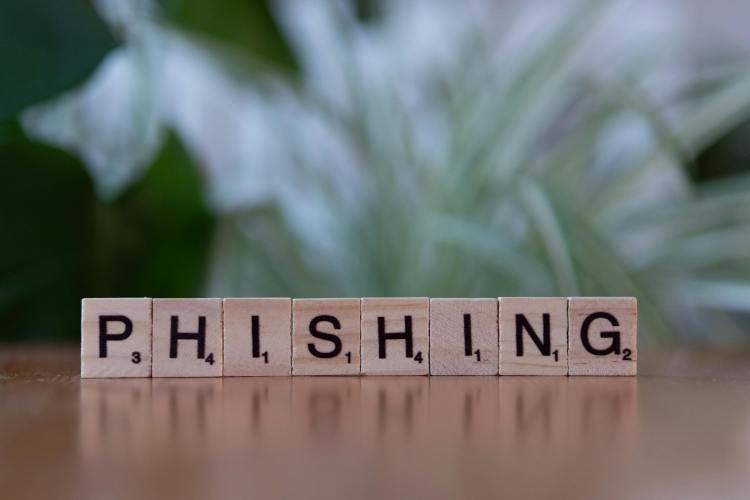
Phishing: This is where scammers try to reel you in by pretending to be someone trustworthy. They’ll send you emails that look just like they’re from your bank, Netflix, or even your favourite online store, hoping you’ll click a dodgy link and hand over your passwords or credit card details. Always double-check that sender!
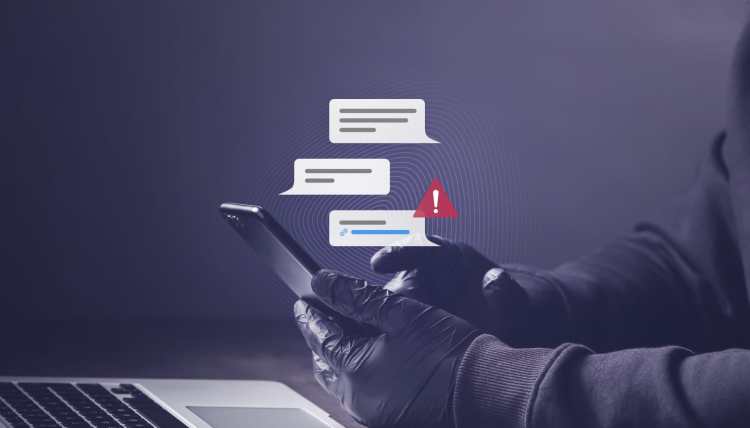
Smishing: It’s like phishing, but for your phone! Think SMS (text message) phishing. You might get a text saying there’s a problem with a package delivery, a fabulous prize waiting, or a suspicious charge on your account. The goal? To get you to tap a link that leads straight to trouble.

Vishing: This scam goes old school with a phone call, but with a modern twist. It’s voice phishing. A scammer might call you pretending to be from your bank’s fraud department, the tax office, or even tech support, trying to sweet-talk you into giving up personal info. They might even spoof their caller ID to make it look legitimate.

Malware: This is the umbrella term for any nasty software designed to mess with your devices. We’re talking viruses, worms, ransomware, basically anything that tries to steal your data, spy on you, or just cause general chaos. Keep that antivirus updated!
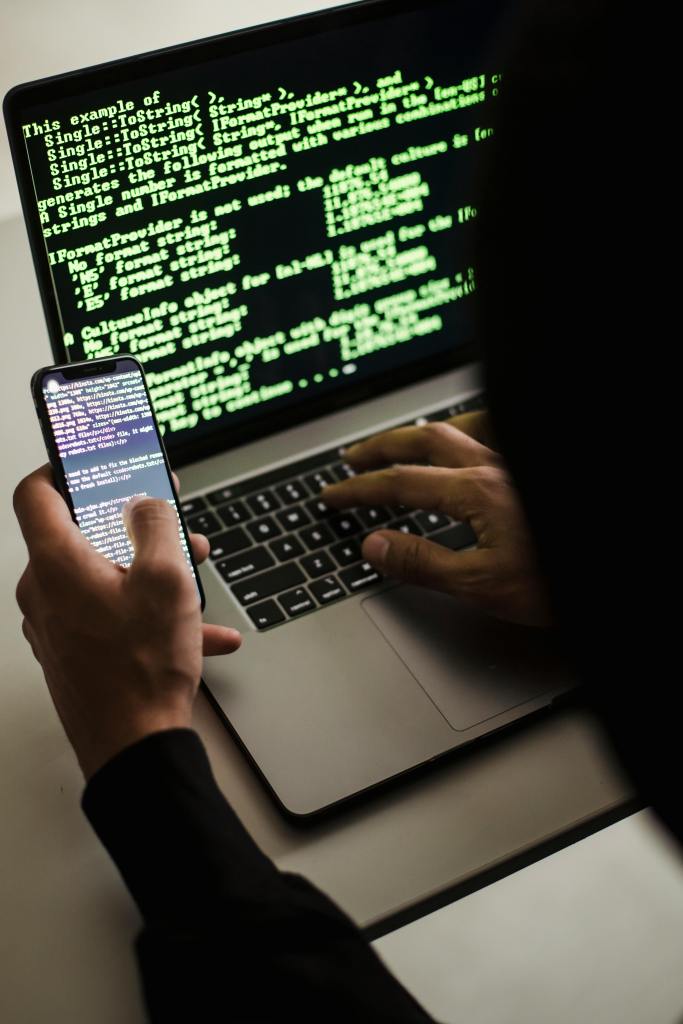
Ransomware: Imagine your computer files suddenly locked up, and a pop-up demands money (usually untraceable cryptocurrency) to get them back. That’s ransomware! It’s like a digital hostage situation, and you don’t want to pay the ransom.

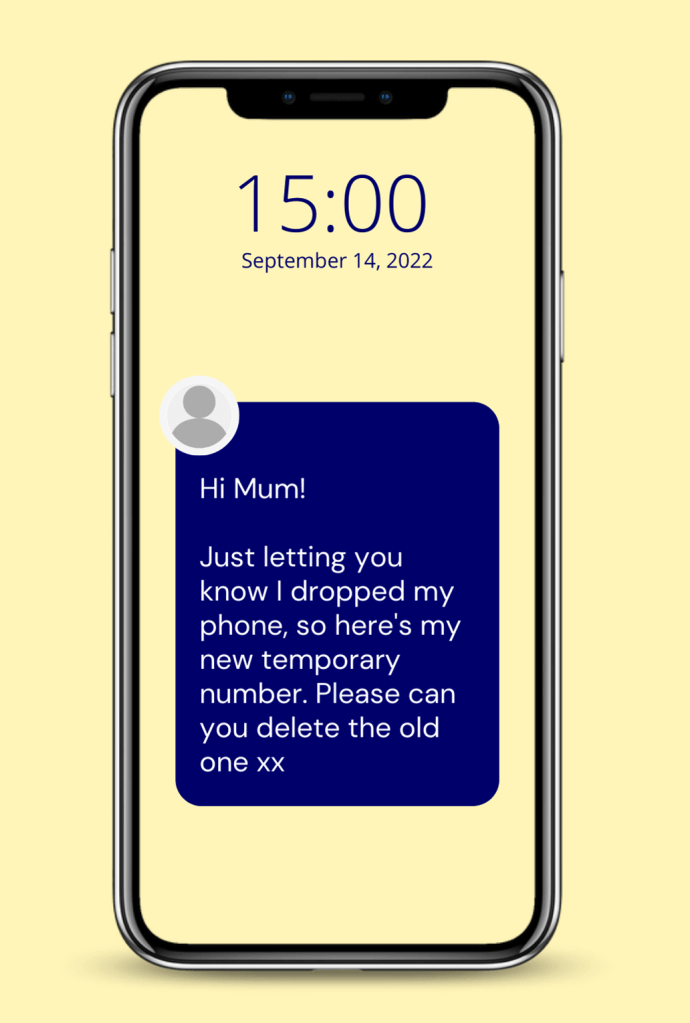
Spoofing: This is when scammers pretend to be someone they’re not. They might make an email look like it came from your best friend, or a phone call seem like it’s from your local doctor’s office. It’s all about trickery to get you to lower your guard.
https://www.triodos.co.uk/articles/2022/friend-in-need-scam-how-to-be-fraud-aware
Spam Trap: This is like a secret decoy email address set up by the good guys. If a spammer sends an email to a spam trap, it’s a huge red flag that they’re using shady mailing lists, and their ability to send spam gets shut down. Go, good guys!

Botnet: Sounds sci-fi, right? It’s basically a zombie army of hijacked computers all secretly controlled by a bad guy. They use these “bots” to send out massive amounts of spam or launch other cyberattacks. Creepy!

Pharming: This is a super sneaky way for scammers to redirect you from a real website to a fake one without you even knowing. It’s like typing in the correct address but ending up at a different (and dangerous!) destination. Always check that website address (URL) in your browser!

https://www.universalcpareview.com/ask-joey/what-is-a-pharming-attack/
Social Engineering: This is the art of psychological manipulation. Scammers are masters at playing on our emotions, whether it’s fear, curiosity, or even kindness, to trick us into doing what they want. They might pretend to be in distress or offer an amazing deal to get you to act impulsively.

Pretexting: This is a specific type of social engineering where a scammer invents a believable story or “pretext” to get you to cough up information. “I’m calling about your expiring warranty…” or “I need to confirm your account details…” are common pretexts.
https://sosafe-awareness.com/glossary/pretexting/
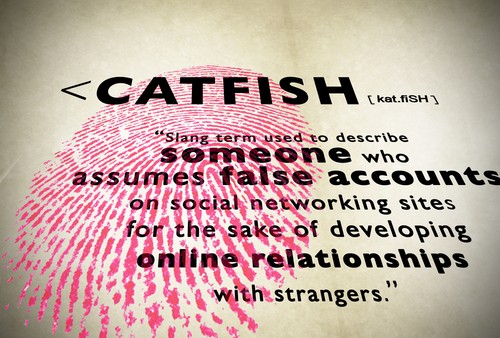
Catfishing: When someone creates a completely fake online identity to trick you into a relationship, usually for some personal gain or just to mess with your head. It’s often found on dating apps and social media. You’re too fabulous for that!
Scareware: This is like a digital jump scare! You might get a pop-up saying your computer is riddled with viruses and needs urgent fixing. The goal is to scare you into buying useless or harmful software. Just close that window!

https://us.norton.com/blog/malware/scareware
Nigerian Prince Scam (419 Scam): This is the granddaddy of all email scams! You get an email from a “dignitary” needing your help to move millions of dollars, promising you a cut. Just send them some “fees” upfront, they say. Spoiler alert: there’s no money, only lost fees. Delete, delete, delete!

https://www.expressvpn.com/blog/nigerian-prince-scam/
Pig Butchering (Shā Zhū Pán): This one is particularly cruel. It’s a long-game scam that mixes romance with fake investments. Scammers spend weeks or months building an emotional connection with you (the “fattening of the pig”). Once they have your trust, they’ll convince you to invest in a fake crypto or trading platform. You’ll see “returns” at first, encouraging you to put in more and more, until suddenly, they vanish with all your money (the “butchering”). Be extra cautious if a new online love interest suddenly wants to talk about investments.

https://www.rld.nm.gov/securities-division/pig-butchering-scams/
Stay sharp, stay savvy, and keep your digital world safe!
Discover more from Cuppa Daisies
Subscribe to get the latest posts sent to your email.
 Cuppa Daisies